Runbooks, Not Random Scripts: Building Automation Infrastructure That Doesn't Collapse at Scale
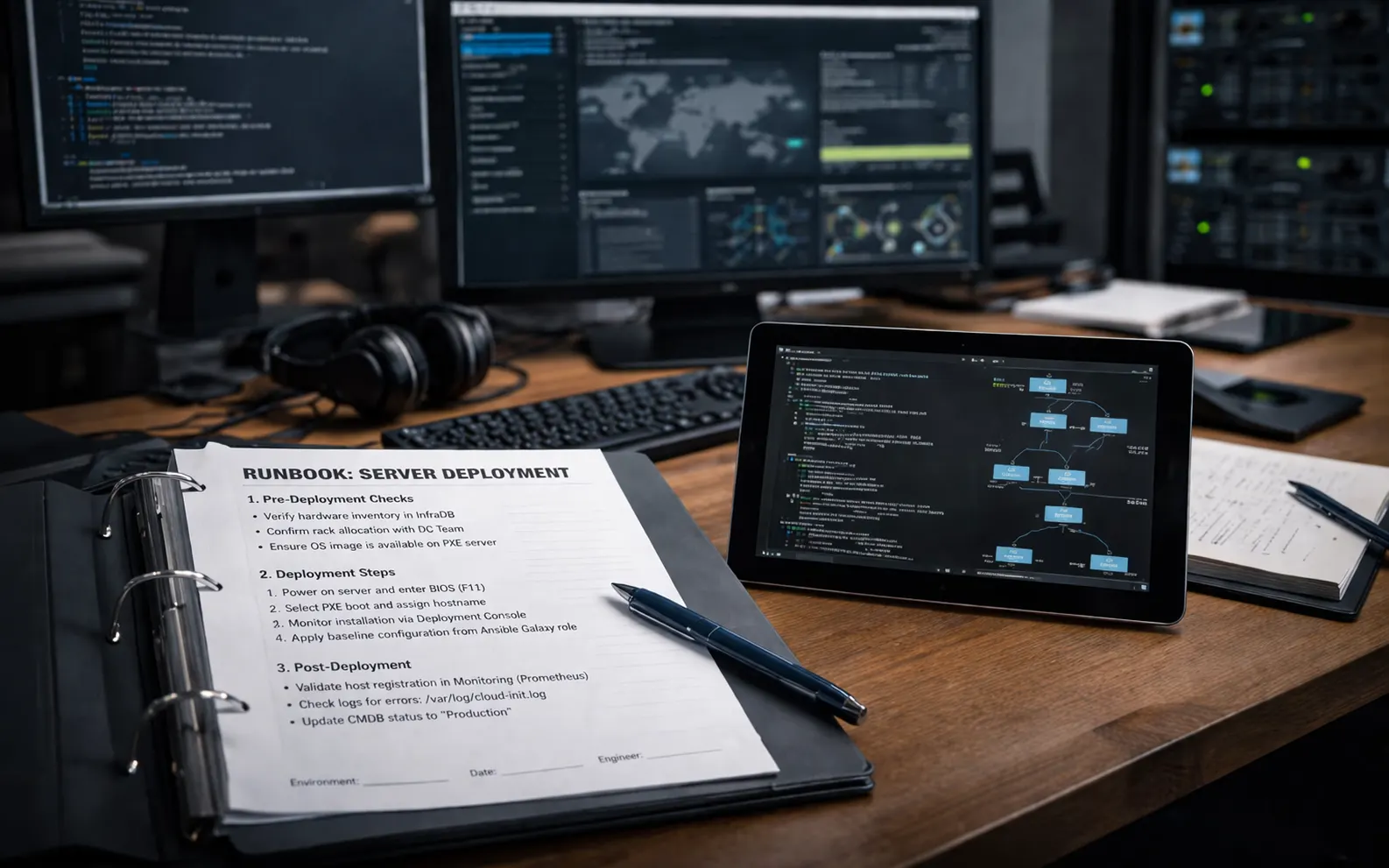
How Modern Teams Design Automation That Survives Growth, Incidents, and AI Agents
Most teams don't “decide” to build fragile automation. It just happens.
A script here, a Zap there, a cron job someone set up three years ago and forgot about. It all worksuntil you add more teams, more tools, more regions, and suddenly your operations are being held together by a patchwork of untracked automations no one fully understands.
At scale, that's not automation. That's accidental infrastructure.
The Problem With Script-Led Automation
Why “It Works on My Machine” Becomes “No One Knows What Broke”
Most automation stories start innocently: a shell script to restart a service, a Zap to sync leads, a Lambda to clean up a queue. These local wins compound into global chaos.
Common failure patterns when automation grows organically:
No single source of truth
Scripts live across laptops, repos, random SaaS tools, and “temporary” cron jobs. No one has a complete map.
Undocumented dependencies
Deeply nested dependencies mean one small change can trigger a system-wide cascade of failures.
No ownership model
When an automation fails at 2 a.m., nobody knows who owns it, who last edited it, or whether it's still critical.
Scaling by copy-paste
Teams clone scripts into new environments instead of designing for reuse and resilience. Drift becomes inevitable.
The result is brittle automation that breaks under load, during incidents, or whenever you introduce new systems. At small scale, you can patch your way out. At scale, this becomes a reliability problem, not a convenience issue.
What Automation Infrastructure Actually Means
From Glue Scripts to First-Class Operational Systems
Strong teams treat automation as infrastructure, not as glue. That means everything automated should be: observable, versioned, orchestrated, and governed.
Core building blocks of modern automation infrastructure:
Orchestration layer
A central system that defines and executes workflows (e.g., workflow engines, job schedulers, incident automation platforms). This layer replaces “script sprawl” with explicit, visualized flows.
Runbook abstraction
Instead of ad hoc commands, teams create reusable, parameterized runbooks that capture how tasks should be executed in different contexts (prod vs staging, region A vs region B).
Configuration as data, not code
Environments, targets, and conditions are modeled as data (configs, service catalogs, resource registries), so workflows can adapt without editing code every time.
Standardized interfaces
Automation calls services through well-defined APIs, queues, or eventsnever by reaching into random internal details of another system.
When you treat automation as infrastructure, you unlock predictable behavior and make it possible to manage automation with the same rigor as application code and cloud resources.
The Real Cost and Promise of Automation Infrastructure
$100k/hr
Average cost of infrastructure failure for Fortune 1000 companies.
85%
Reduction in MTTR for pod failures (from 20m to under 3m) via Rundeck.
226%
Growth in automated operations processes in a single year.
Real-World Case Studies

Netflix: Winston Runbook Automation
Netflix built Winston, an event-driven automation platform that acts as "Tier-1 support," executing runbooks securely in response to alerts. By automating remediation for failures like offline Kafka brokers, they fundamentally shrank MTTR across all Netflix services and proved that treating runbooks as version-controlled code is the key to scaling reliability.
Read the full case study here →
Lowe's + Google SRE: 80%+ MTTR Reduction
By adopting Google SRE principles, SLI-based definitions, and automated triage workflows on Google Cloud, Lowe's slashed their Mean Time to Acknowledge (MTTA) from 30 minutes to just 1 minute (a 97% decrease). Their automated approach reduced overall MTTR by over 80%, proving that observability directly enables automation as a performance lever.
Read the full case study here →
Uber Cadence: Orchestrating 1,000+ Services
Uber built Cadence, a workflow orchestration engine that routes requests, directs data, and mediates communications between microservices. It makes each microservice get exactly the data it needs, keeps a record of every action, and catches errors before workflows go awry. Cadence is now used by over 1,000 services at Uber and adopted by companies like DoorDash, HashiCorp, and Coinbase.
Read the full case study here →Runbooks: The Operating System of Reliable Automation
How Standardized Runbooks Replace Tribal Knowledge
Runbooks used to be static wiki pages that nobody read until something caught fire. Today, runbook-driven automation means the runbook is the executable unit of work: a defined, parameterized series of steps that can be run manually, semi-automatically, or fully automated.
A good runbook design includes:
Clear entry conditions
When should this runbook be used? What signals or alerts trigger it?
Pre-checks
Validation steps that confirm the problem is what you think it is (e.g., checking service health, logs, metric thresholds).
Guardrailed actions
Safe operations (restart, scale, drain traffic, failover) with built-in checks before and after each step.
Fallback paths
Explicit branches when an automated step failswho to page, what to roll back, and what state to capture.
Audit trail
Every execution is logged with inputs, outputs, timestamps, and who/what executed it.
Over time, your library of runbooks becomes:
- A training tool for new engineers
- A standardized interface for operators, SREs, and AI agents
- A safety net during incidents, where nobody is forced to improvise under pressure
Runbooks turn operational expertise from tribal knowledge into executable knowledge.
AI Agents in the Loop
Why AI Needs Runbooks, Not Root Access
AI agents can now watch alerts, read dashboards, open tickets, and even execute remediation steps. That power is a liability if you give them direct access to your infrastructure.
AI belongs on top of automation infrastructurenot inside your production systems with free rein.
A safe AI–automation pattern looks like this:
The AI agent interprets incidents, correlates logs and metrics, drafts hypotheses, and chooses which runbook to execute based on real-time environmental data and historical failure patterns.
The runbook is predefined, versioned, and guardrailed. It controls what actions are allowed, in what environments, and under what checks.
Approvals are enforced for high-risk actions (e.g., traffic shifts, database changes). Humans can be required to confirm before execution.
Every action taken by the agent is logged through the runbook system, not hidden behind opaque AI prompts, ensuring full accountability and auditability for all automated interventions.
This separation of concerns keeps AI flexible while making its impact traceable and reversible. Runbooks act as the API surface for AI operations, giving you predictable behavior instead of free-form shell access.
Observability for Automation, Not Just Apps
Why You Need Traces and Metrics on Your Workflows
You can't trust what you can't see. Application observability is now table stakes, but automation observability is still lagging in many orgs.
Key signals you should collect for automation:
Execution traces
Which steps ran, in what order, how long each took, and where failures occurred.
Success and failure rates
Per runbook, per workflow, per environment. This makes it obvious which automations are flaky.
Impact metrics
How automation affects key SLIs/SLOs (MTTR, error rates, latency, backlog depth).
Change awareness
When a workflow, runbook, or AI policy was modified, and how behavior changed after that.
With proper observability, you can answer questions like:
- “Did our new auto-remediation runbook actually reduce MTTR?”
- “Which workflows failed during last night's incident and in what sequence?”
- “Is our AI agent calling any runbooks more frequently than before? Why?”
Without this, automation becomes a hidden source of incidents. With it, automation becomes a measurable performance lever.
Orchestration and Dependencies
Avoiding the Domino Effect When One Automation Fails
At small scale, you can treat automations as independent. At scale, they're a graph.
Order management touches inventory, billing, notifications, analytics. Customer onboarding might touch CRM, identity, billing, and support. When automation in one link fails, downstream processes silently degradeunless you design for orchestration and dependencies.
Best practices for orchestration at scale:
Model workflows as DAGs or state machines, not chains of scripts.
This makes dependencies explicit and debuggable.
Add circuit breakers and retry strategies at the workflow level, not in every ad hoc script.
Ensuring resilience across microservices and external APIs by managing transient failures at the system level.
Use queues and events between systems to decouple producers and consumers,
so one system's delay doesn't instantly break another.
Define failure semantics:
What does “partial success” mean? When should you compensate? When should you halt?
Orchestration is what turns a collection of automations into a cohesive, debuggable system instead of a fragile Rube Goldberg machine.
What Most Teams Get Wrong About Automation Infrastructure
Teams usually don't fail because they lack powerful tools. They fail because they treat automation as an afterthought instead of a design constraint.
Typical missteps:
The underlying issue is cultural: teams see automation as tactical instead of strategic. That mindset breaks as soon as your organization, customer base, or AI footprint grows.
A Practical Blueprint You Can Implement Now
Steps to Move From Scripts to Runbooks
You don't have to rebuild everything at once. A phased approach works best.
Inventory and Map What You Already Have
- List existing scripts, Zaps, cron jobs, Lambda functions, and low-code automations.
- Group them by business domain (billing, onboarding, deployments, incident response).
- Identify critical pathsplaces where failure has clear customer or revenue impact.
Choose a Home for Automation
- Select a central orchestration platform that can model workflows and runbooks.
- Standardize how new automations are created, reviewed, and deployed.
Convert Critical Scripts into Runbooks
- Start with your top incident patterns and high-impact operational tasks.
- Wrap existing scripts into parameterized, logged runbooks with pre-checks and post-checks.
- Add role-based access controls and approval gates where needed.
Layer in Observability
- Add logging, metrics, and traces to your automation platform.
- Track runbook success/failure rates and MTTR over time.
- Make dashboards for on-call, SRE, and leadership so automation impact is visible.
Introduce AI as a Runbook Consumer, Not a Root User
- Let AI agents suggest runbooks, summarize incidents, and draft responses.
- Keep execution within the guardrails of your runbook and orchestration system.
- Review and refine agent behavior using your observability data.
Recommended Viewing: Automation Infrastructure, Runbooks, and AI-Driven Ops
Video 1
Runbook Automation: Self-Healing & Auto-Remediation Guide
Channel: CodeLucky
Video 2
Automation 101 with Runbook Automation (PagerDuty)
Channel: PagerDuty
Key Takeaways
Scripts don't scale; automation infrastructure does.
Treat automation as a first-class system, not an assortment of quick fixes.
Runbooks turn tribal knowledge into executable knowledge.
They're the interface for humans and AI to operate your stack safely.
Observability and orchestration are non-negotiable.
If you can't see and sequence your automations, you can't trust them.
AI is an ops multiplier only when constrained.
Give agents structured, governed runbooks to executenot freeform access to production.
The teams that win aren't the ones with the most automation. They're the ones whose automation still works when everything else is on fire.
Ready to Design Your Automation Strategy?
Book a personalised strategy session today.
Tectome. Automation that grows with you.
Related Insights
Zapier vs Custom Automation: When to Switch
Know exactly when to switch from off-the-shelf tools to custom automation.

Business Process Automation in 2026
When no-code stops working and what replaces it.
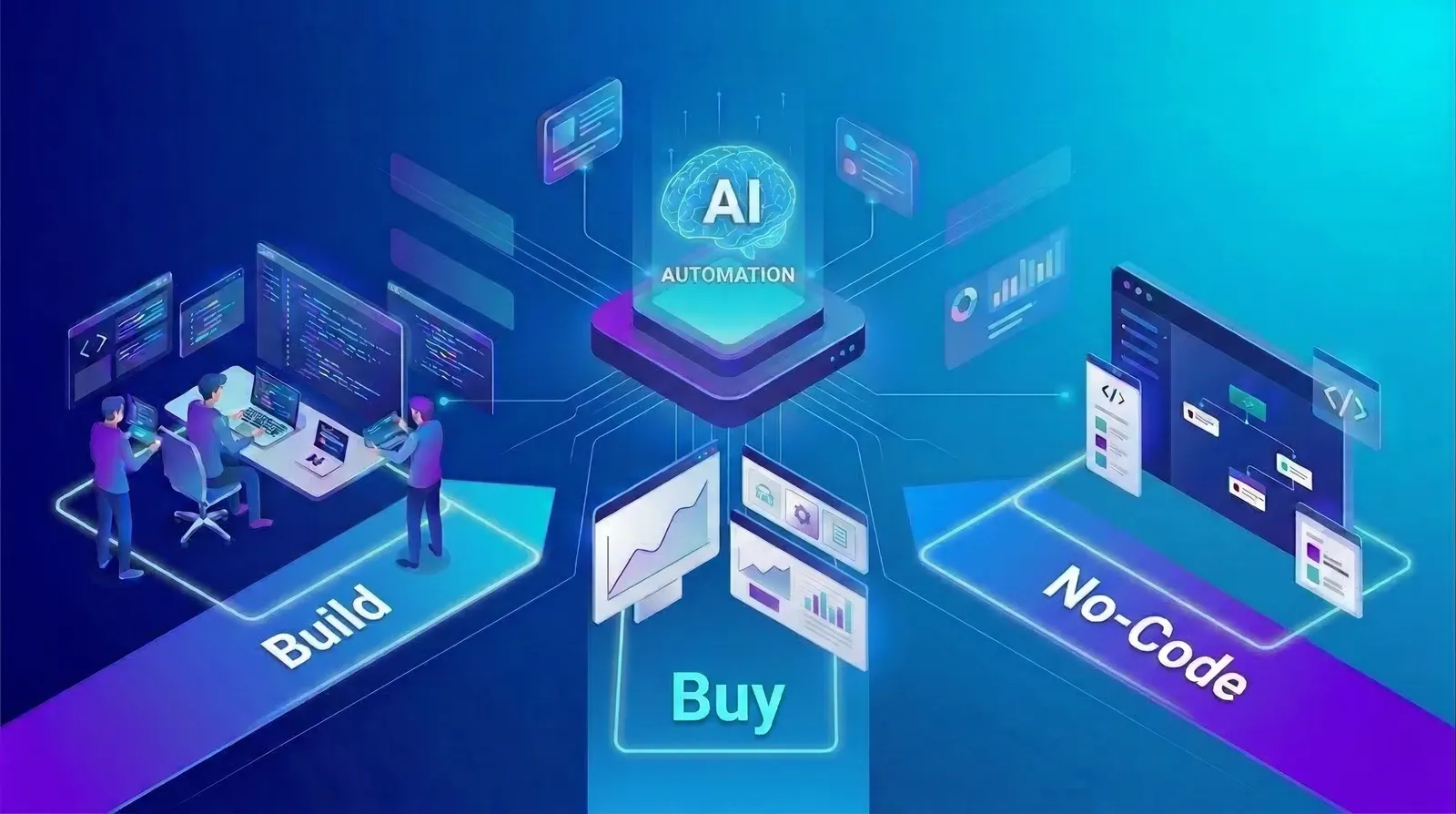
Build vs Buy vs No-Code: Choosing the Right Automation Strategy
How companies decide between building, buying, and no-code tools in 2026.
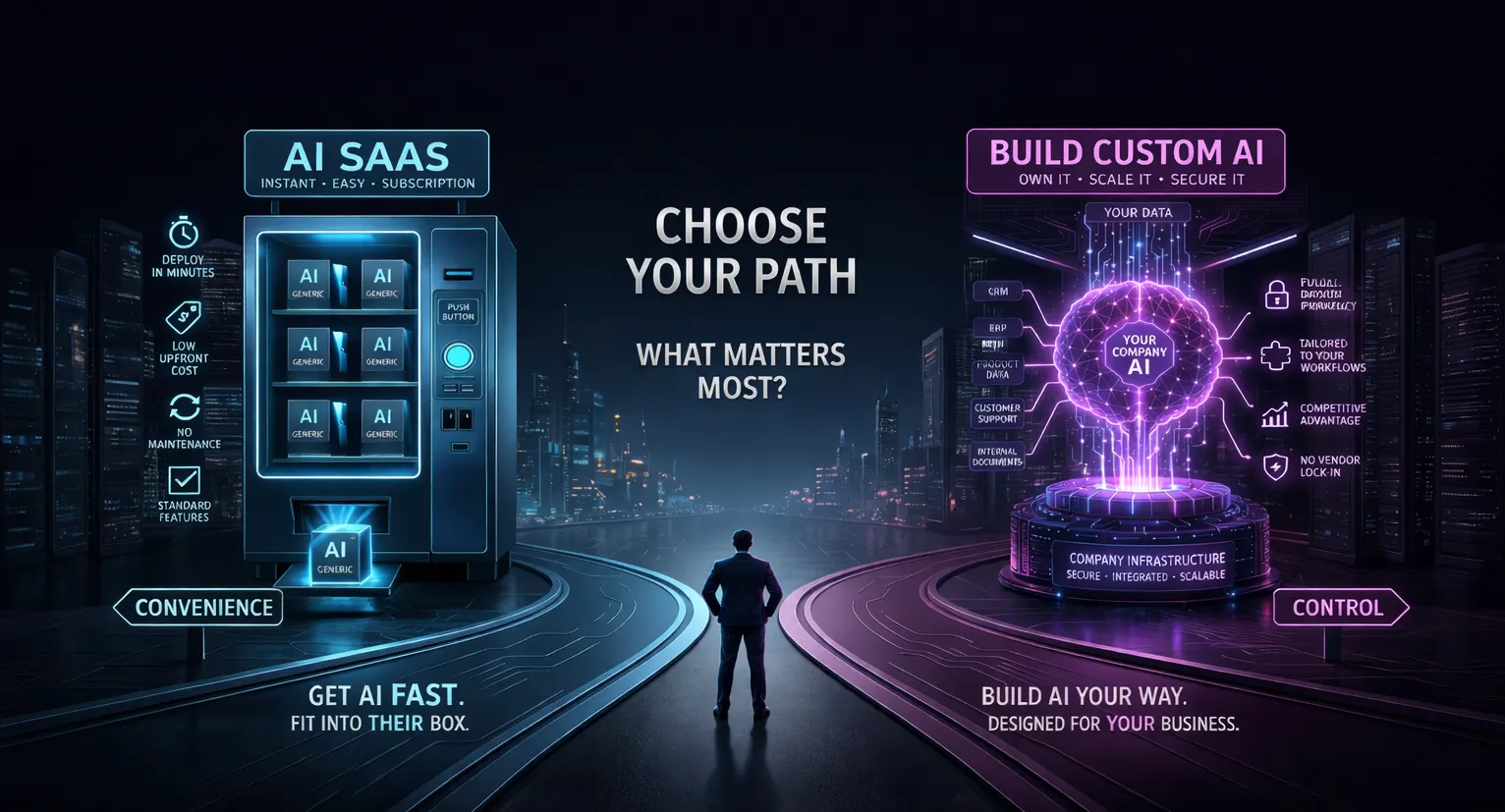
Build vs Buy: When to Build Custom Software Instead of Buying SaaS
The decision framework for when custom internal software beats SaaS.
From our work
Read how we did this for…

Accelerate your roadmap with AI-driven engineering.
Click below to get expert guidance on your product or automation needs.