Zapier vs Custom Automation: When Should Businesses Make the Switch?
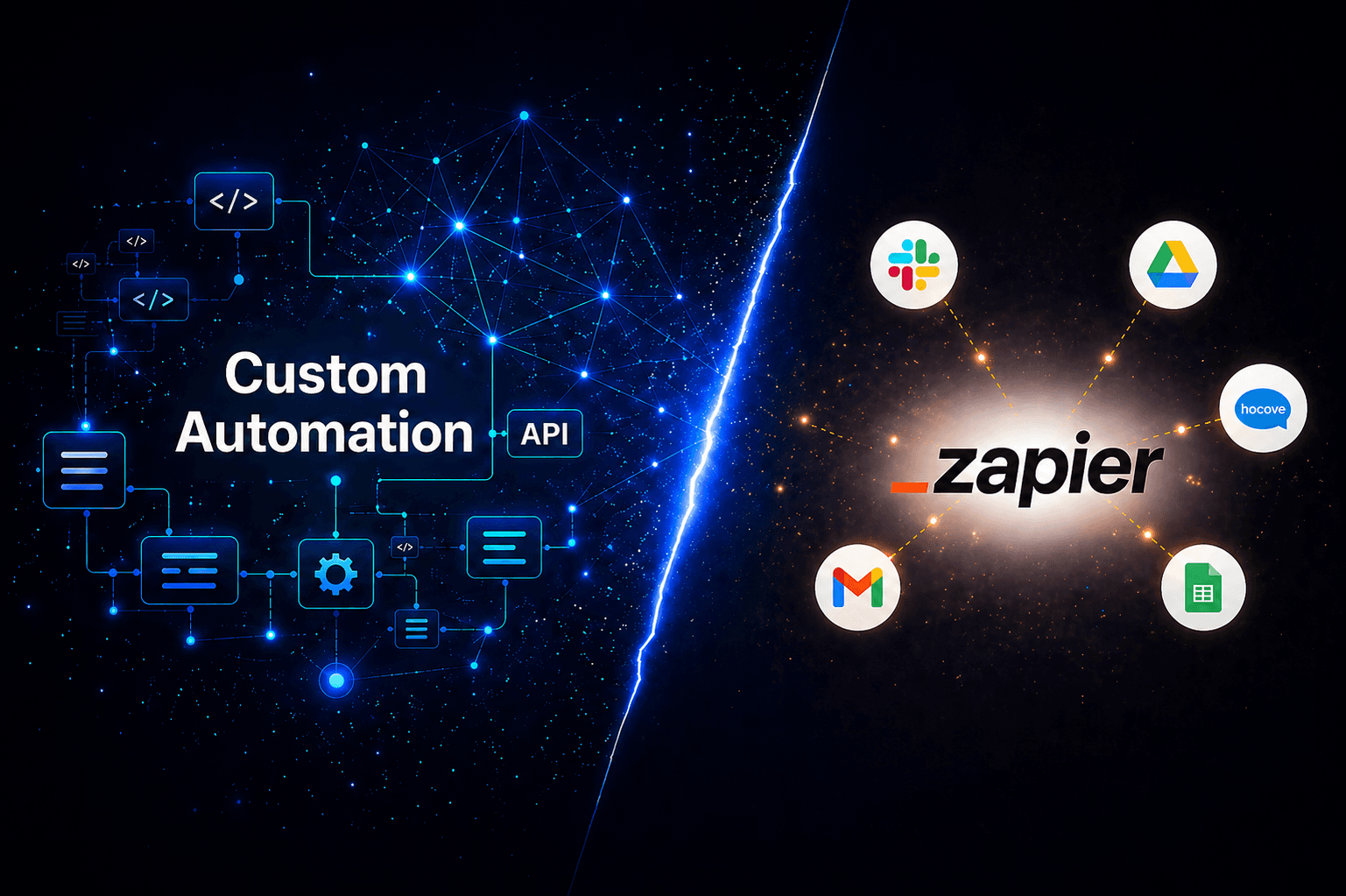
The Promise of No-Code Automation
Every company has its beginnings. For the majority, Zapier is the beginning of a no-code automation solution that promises to link your apps, get rid of tedious work, and free up hours for your team. It also delivers. For millions of businesses, Zapier truly works.
But eventually, Zapier starts to feel more like a ceiling than a launching pad sometimes gradually, sometimes abruptly. Workflows get more complicated. Expenses begin to rise. There are a lot of edge cases. And your group begins to wonder if it would be better to create something unique.
This blog explains the actual distinctions between custom automation and Zapier, the statistics supporting each strategy, and above all the telltale signs that indicate when it's time to switch. For more on the basics, see this Zapier Beginner Tutorial.
Understanding the Two Approaches
What is Zapier?
With pre-built integrations, Zapier, a no-code automation platform, links more than 8,000 apps. Without knowing a single line of code, users can construct Zaps trigger-action workflows. It is easy to use, quick to set up, and effective for simple automations like updating spreadsheets, sending Slack notifications, and syncing CRM data.
Over 3 million businesses trust Zapier, which is expected to generate $400 million in revenue by 2025, with an annual growth rate of about 29% (Source: SQ Magazine).
What is Custom Automation?
Building automation workflows with code, APIs, or developer-grade platforms that are especially suited to your business processes is known as custom automation. From a Python script that synchronizes proprietary databases to a completely custom integration layer created with tools like n8n, Pipedream, or an internal API, this covers it all.
Though it necessitates more development resources and longer build times, custom automation provides complete control over logic, data flow, error handling, and scalability.
The Case for Staying with Zapier
Zapier isn't a flawed tool, it's a purpose-built platform that delivers exceptional value within its ideal use cases. Here's where it truly shines:
Speed of Implementation
Zapier's biggest strength is how fast you can get up and running. A functional automation can be built in under 30 minutes with zero technical knowledge. For small teams, this speed is invaluable, as shown in this tutorial on how to move from Zapier to custom code.
Breadth of Integrations
With 8,000+ app integrations, Zapier connects almost every SaaS tool on the market. When your stack relies on common tools like HubSpot, Gmail, Slack, Salesforce, and Google Sheets, Zapier simply works without any custom configuration.
Low Operational Overhead
Zapier requires no servers, no DevOps, and no maintenance team. Non-technical staff can build, edit, and manage workflows independently freeing your engineering team for higher-priority work.
Truly No-Code Friendly
Zapier is designed for operators, marketers, and support teams not just developers. Non-technical users can build, edit, and troubleshoot workflows independently, which dramatically reduces dependency on engineering resources.
Fully Managed and Low Maintenance
Infrastructure, retries, scaling, and monitoring are handled by Zapier. Teams do not need to worry about uptime, queue management, or self-hosting overhead, which keeps operational complexity extremely low.
Strong for Early-Stage and Growing Teams
Startups and lean teams benefit from Zapier's ability to automate quickly without hiring additional engineers or investing in platform infrastructure. It allows teams to move fast while the business is still evolving.
Reference: zapier.com | zapier.com/pricing
Not Sure If Zapier Still Fits Your Business?
We help scaling businesses audit their automation stack and identify where custom solutions using APIs deliver better ROI.
The Case for Custom Automation
Custom automation is not limited to large development teams and enterprise organizations. When Zapier's shortcomings begin to cost you money, dependability, or opportunity, it becomes pertinent.
Full Control Over Business Logic
Real business processes are rarely linear. Custom automation allows for nested conditions, loops, multi-path logic, error retries, and direct database access things Zapier's trigger-action model cannot handle natively.
Cost Efficiency at Scale
Zapier charges per task. A multi-step workflow running thousands of times per month can result in bills of $600 or more monthly before you hit the enterprise tier. Custom-built automation on self-hosted infrastructure or tools like n8n can achieve the same outcome at a fraction of the cost.
Data Privacy and Compliance
All Zaps processed by Zapier transfer data via Zapier's servers. This poses a compliance risk for businesses operating within regulated industries such as healthcare, finance, and legal, which fall under GDPR, HIPAA, and SOC 2. Custom Automation offers self-hosted solutions that process data entirely within your own infrastructure.
Real-Time Processing
Zapier's free and starter plans poll data every 15 minutes. Even the Professional plan's polling interval is every 2-5 minutes. This is not real-time for applications such as fraud detection, inventory management, and real-time customer service. Custom Automation can process instantly.
The Data: What Research Actually Says
The
Automation
Numbers.
Gartner, Forrester, Microsoft & Gaazzeebo research
Annual Zapier Cost at Scale
Businesses running 50,000+ tasks/month on Zapier's premium tiers.
Source: Gaazzeebo 2025
Zapier Polling Interval
Free/Starter plans poll every 15 minutes. Not real-time.
Custom Processing Speed
Custom automation processes events instantly via webhooks and APIs.
Data Compliance
GDPR, HIPAA, SOC 2 self-hosted means data never leaves your servers.
Zapier Users
Zapier.com
Key Signs It Is Time to Stay with Zapier
Use these as your decision checklist. If three or more apply to your business, sticking with Zapier is likely the smartest and most efficient choice right now.
Your monthly Zapier bill is comfortably under $300
At this level, Zapier typically delivers excellent value relative to the time and engineering cost required to build and maintain custom automation. The simplicity often outweighs any marginal savings from going custom.
Your workflows are mostly straightforward trigger-action automations
If your use cases are things like form -> CRM -> Slack, lead routing, or spreadsheet updates, Zapier's prebuilt integrations handle these reliably without the complexity of custom logic.
Your team needs to launch automations quickly
When speed to deployment matters more than deep customization, Zapier's no-code interface allows teams to build and iterate in minutes instead of waiting weeks for engineering bandwidth.
Your primary automation builders are non-technical
Zapier excels when marketing, operations, or support teams need to own workflows independently. If involving developers would slow you down, Zapier is doing exactly what it is meant to do.
You prefer a fully managed, low-maintenance solution
Zapier handles infrastructure, scaling, retries, and monitoring for you. If your team does not want to manage servers, queues, or workflow reliability, staying with Zapier reduces operational overhead significantly.
Your stack relies heavily on popular SaaS tools
If most of your tools are mainstream platforms already supported by Zapier's integration library, the platform provides immediate coverage without custom API work.
The Middle Ground: A Hybrid Approach
Switching to custom automation does not have to mean abandoning Zapier entirely. Many scaling businesses use a hybrid strategy that combines both approaches strategically.
Use Zapier For
Simple, low-volume, low-risk automations (under 5,000 tasks per month)
Quick prototypes and proof-of-concept workflows
Non-technical team members who need self-service automation
Connecting common SaaS tools with no custom logic required
Use Custom Automation For
Business-critical workflows where failure has direct operational impact
High-volume processes running tens of thousands of tasks per month
Data that must stay on your own servers for compliance reasons
Integrations with internal, proprietary, or legacy systems
Workflows that require real-time execution or advanced conditional logic
Tools to Consider Beyond Zapier
Compare platforms like n8n vs Zapier or Zapier vs Make vs n8n to choose the best fit.
Make (formerly Integromat)
A strong middle ground between Zapier and fully custom automation. Make offers a visual canvas for building complex, multi-path workflows at significantly lower cost per operation. Ideal for non-technical teams that need more power than Zapier offers.
Learn more about Maken8n
Open-source, self-hostable, and developer-friendly. n8n supports custom JavaScript and Python code nodes, making it suitable for complex workflows. Because it runs on your own infrastructure, data never leaves your servers. Particularly well-suited for compliance-heavy industries.
Explore n8nPipedream
Code-native and developer-first. Pipedream supports real-time event triggers and integrates directly with APIs, GitHub, and engineering workflows. Ideal for technical teams that want automation infrastructure that behaves like software.
Check out PipedreamCustom API Development
For businesses with unique operational needs, building purpose-specific automation in-house using Python, Node.js, or Go gives complete control over logic, performance, security, and scalability.
How Tectome Helps You Scale
At Tectome, we help businesses transition from no-code to custom automation, unlocking scalability, reliability, and cost efficiency. Whether you need a complete migration or a hybrid strategy, our team builds the right system for your growth stage.
Your Guide to Zapier
A complete tutorial showing how to set up your first automation and manage your workflows effectively.
Final Thoughts
Zapier will always be the right tool for a certain stage of business. Fast to set up, broad in integrations, and easy for non-technical teams it earns its place in early-stage and lean operations.
But automation is infrastructure. And just like any infrastructure, it needs to evolve as your business grows. The moment Zapier starts slowing you down, costing you more than it saves, or creating compliance risk, it has become the wrong tool for the job.
The good news is that the transition does not have to be dramatic. A hybrid approach using Zapier where it fits and custom automation where it matters gives you the best of both worlds. The key is knowing where the line is.
Start by auditing your most expensive and most critical Zaps. Those two categories usually tell you everything you need to know.
Related services
Ready to Scale Your Automation?
Book a today and see how we can help you build automation that scales.
Tectome. Automation that grows with you.





From our work
Read how we did this for…

Accelerate your roadmap with AI-driven engineering.
Click below to get expert guidance on your product or automation needs.