Build vs Buy vs No-Code: How Companies Choose the Right Automation Strategy in 2026
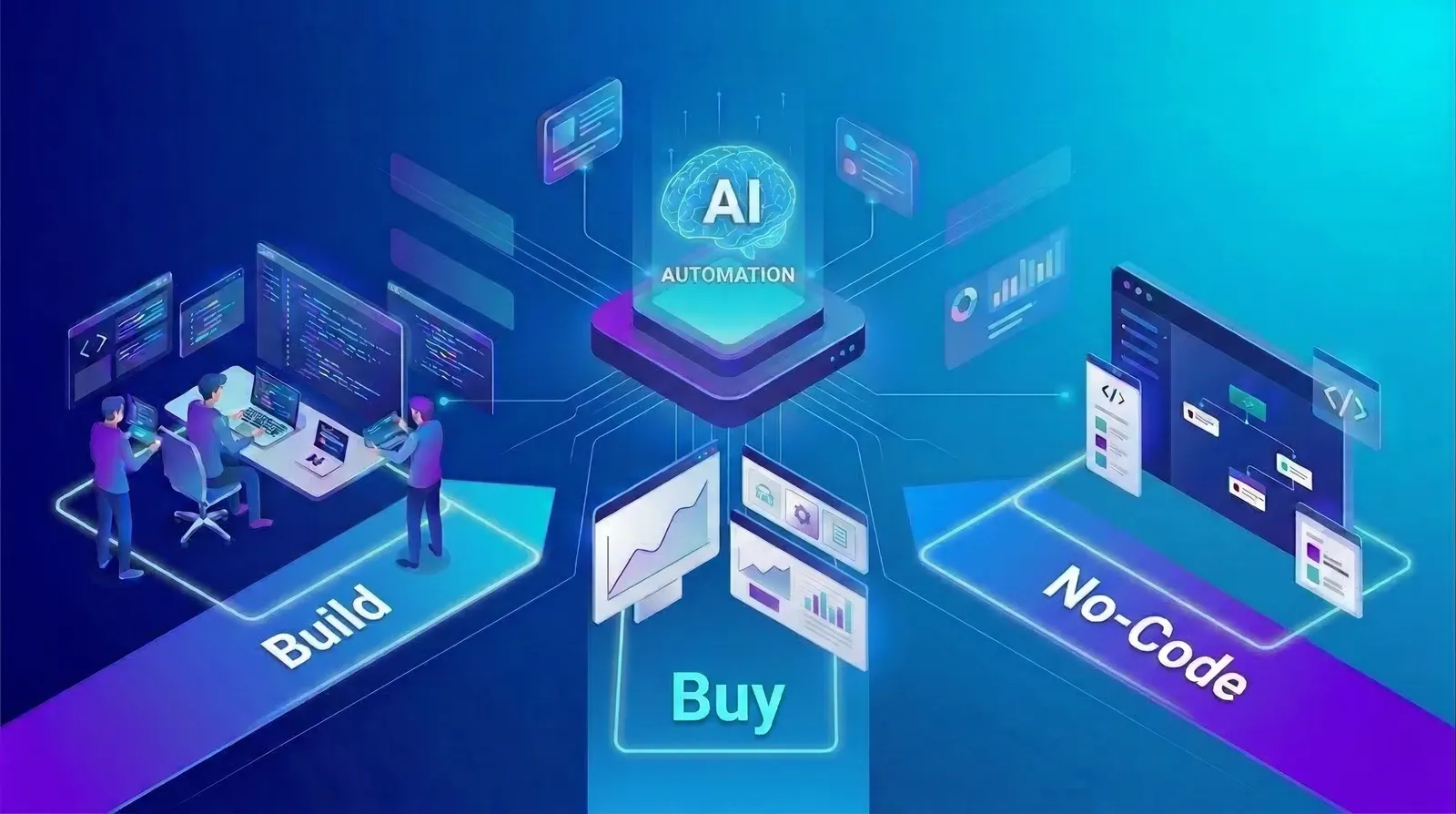
In an era where automation is no longer optional, enterprise leaders face a critical decision that shapes their operational future. We break down the strategic frameworks, real costs, and hidden trade-offs behind each approach. Automation has moved from being a productivity hack a core business strategy. From startups Fortune 500 companies, organisations are automating workflows marketing, operations, product development, and customer support.
But a critical question still determines whether automation becomes a competitive advantage or a costly experiment:
Should you build custom automation, buy an existing platform, or use no-code tools?
The central question every modern technology leader must answer Tectome Research, 2026
Each option offers different trade-offs in cost, scalability, control, and speed. Companies like Google, Microsoft, and IBM approach automation strategically by combining these approaches rather than choosing just one.
In this guide, we'll break down:
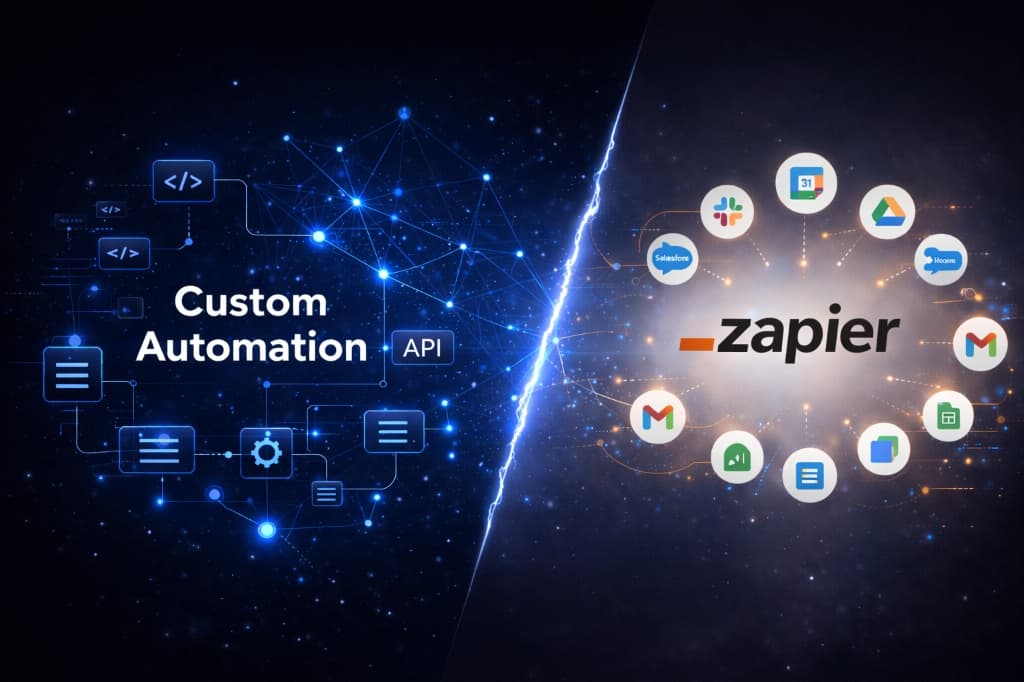
- The differences between No-Code, SaaS, and Custom Automation
- When each approach works best
- Real-world case studies from major technology companies
- A practical decision framework used by modern product teams
The Automation Decision Problem
Automation today exists across three main categories:
No-Code Automation Tools
Visual workflow builders that allow teams to automate processes without writing code.
Automation SaaS Platforms
Prebuilt software solutions designed to automate common business workflows.
Custom Automation Systems
Fully engineered internal solutions built by developers.
Companies rarely pick one exclusively. Instead, they build automation stacks where each layer solves a different problem.
Platforms like Microsoft Power Automate allow organisations to automate workflows across services without writing code, enabling business teams to build automations themselves.
Similarly, visual automation platforms such as Make connect thousands of apps through graphical workflows and APIs, allowing businesses to automate processes without traditional programming.
The Flexibility Trade-Off
While no-code and SaaS tools reduce development effort, they also introduce limitations in flexibility and scalability. Knowing where these ceilings sit is critical before committing to a platform.
Cost vs Control vs Speed: The Core Trade-Off
Every automation decision comes down to three main factors: Cost, Control, and Speed. The table below maps each approach across the dimensions that matter most when making a strategic decision.
| Approach | Cost | Flexibility | Risk | Time to Deploy |
|---|---|---|---|---|
| ⚡No-Code | Low | Medium | Low | Fast |
| 🛒SaaS Automation | Medium | Low | Medium | Fast |
| 🔧Custom Build | High | Very High | Medium | Slow |
⚡ No-Code Automation
Best for fast-moving teams that need to prototype and iterate quickly:
- Startups
- Operations teams
- Marketing automation
- Early product experimentation
🛒 SaaS Automation Platforms
Best for operational teams with established, repeatable workflows:
- Established business workflows
- CRM integrations
- Enterprise operations
🔧 Custom Automation
Best for engineering-heavy contexts where differentiation is the goal:
- Proprietary systems
- High-volume operations
- Mission-critical infrastructure
Infrastructure Mindset
Modern companies treat automation like infrastructure. The goal is not simply automation itself, but building a system that scales with the company.
Real-World Automation Case Studies
The most instructive automation decisions come from studying real organisations tackling scale. Here are two enterprise examples one that built, and one that bought.
Google: Large-Scale Engineering Automation
Custom Build AI-Assisted MigrationAt Google, engineering teams increasingly use AI-assisted automation to maintain massive codebases. A large internal project automated software migrations using machine learning models and workflow automation tools. The system handled over 70% of code changes automatically, reducing migration time by roughly 50%.
Why Google built custom automation:
- Massive codebase scale
- Complex internal tooling
- Proprietary infrastructure
This is a classic example of custom automation becoming essential at scale.
Microsoft: Democratising Automation with Low-Code
Platform Buy Power AutomateMicrosoft took the opposite approach. Instead of building automation only for engineers, Microsoft created the Power Platform, allowing business teams to automate workflows themselves.
Using Power Automate, organisations can create automated workflows between hundreds of services, reducing reliance on engineering teams.
Examples of common use cases:
- Automatic document approvals
- Automated notifications
- CRM workflow automation
- Data synchronisation
This approach enables citizen developers non-technical employees who can create automation without engineering support.
Microsoft Power Automate Democratising Workflow Automation
The Hybrid Automation Model (What Most Companies Use)
Most modern companies follow a layered automation approach, where different tools handle different levels of complexity. This allows organisations to move fast early while maintaining long-term scalability.
No-Code Automation
Used by Operations teams
- Marketing workflows
- Internal alerts
- Simple integrations
SaaS Automation Platforms
Used by Product teams
- CRM automation
- Customer onboarding workflows
- Analytics pipelines
Custom Automation
Used by Engineering teams
- AI systems
- Internal APIs
- Infrastructure automation
Why Layering Works
The layered model allows organisations to move fast early with no-code, scale operationally with SaaS platforms, and protect core IP with custom engineering all simultaneously, without rebuilding from scratch at each stage.
The Hybrid Automation Stack How Modern Companies Layer No-Code, SaaS & Custom Systems
The Future of Automation Strategy
Automation is evolving beyond simple workflows.
Modern companies are now building AI-driven automation systems, sometimes called agentic systems, that can analyse data and take actions autonomously without waiting for human triggers at each step.
Emerging Architecture
Organisations are moving toward digital workforces that combine:
AI Agents
Autonomous systems that reason and act
Workflow Automation
Structured orchestration of business processes
Human Oversight
Governance layers that ensure accountability
The future is not simply automating tasks.
It is designing intelligent systems that continuously improve operations.
Key Takeaways
Automation strategy is no longer a simple technical decision. It is a business architecture decision.
The most successful companies follow three core principles:
The Three-Principle Framework
Start with no-code automation for speed
Use visual workflow tools to validate ideas and automate early operations without engineering resources.
Adopt automation platforms for operational scale
As workflows mature, standardise on SaaS platforms that offer reliability, integrations, and enterprise controls.
Build custom systems for core infrastructure
Reserve engineering investment for workflows that are proprietary, mission-critical, or directly tied to your competitive advantage.
In practice, the best approach is rarely build vs buy.
Final Word
It is build, buy, and automate strategically. Organisations that design their automation stack thoughtfully will unlock faster operations, lower costs, and a stronger competitive advantage.
Related services
Ready to Design Your Automation Strategy?
Book a today.
Tectome. Automation that grows with you.

Related reads
From our work
Read how we did this for…

Accelerate your roadmap with AI-driven engineering.
Click below to get expert guidance on your product or automation needs.